How I Actually Use Hermes Every Day
How a self-hosted Hermes Agent became a practical daily interface to my documents, home infrastructure, recurring tasks, iPhone context, and IoT.
A few months ago, I experimented with OpenClaw. It was interesting, but I had one basic problem: I did not really know what I should use a personal AI agent for.
That has changed. Today I use Hermes Agent several times a day—not as a chatbot that happens to remember my name, but as a practical interface to my own systems, documents, and services.
A self-hosted agent
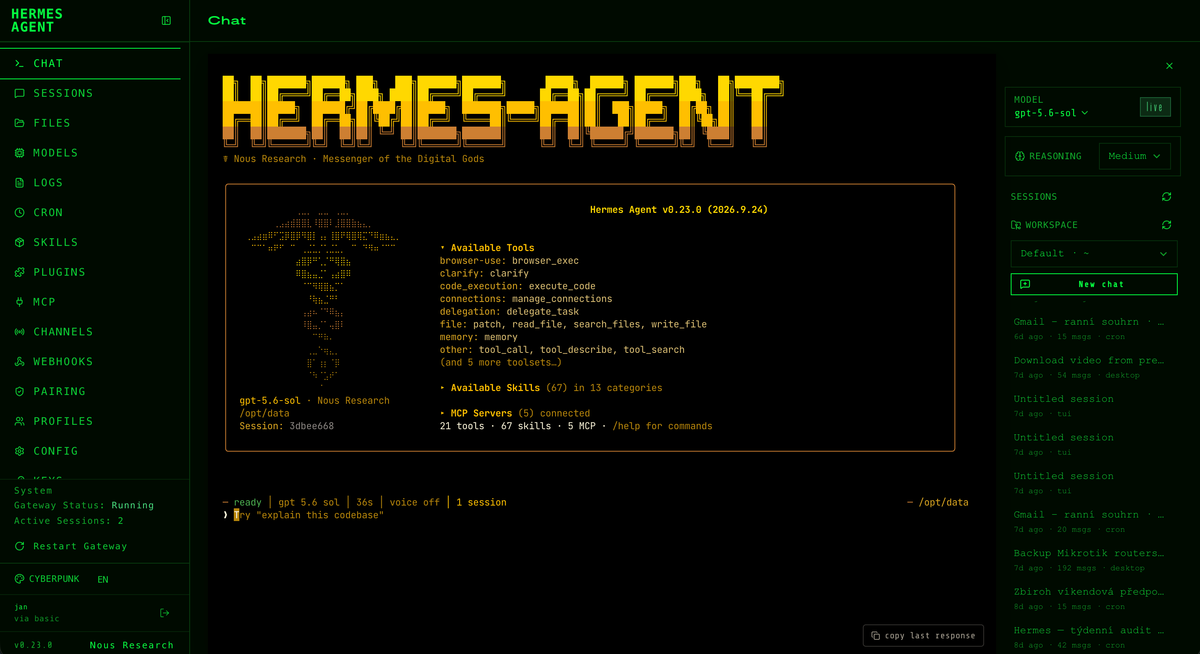
Hermes runs on ZimaOS on my small home server: an Intel N150 machine with 16 GB of RAM, a 1 TB SSD, and a 4 TB hard drive. I described that setup and the other services running on it in My Small Rebellion Against ‘Everything as a Service’.
Running the agent there matters. It is always available, close to the systems it manages, and not tied to the computer I happen to be carrying. When I am travelling, I can ask it to find something in my documents or Evernote, fix a Home Assistant integration, adjust the configuration of a MeshCore node, or prepare a grocery order for the cottage on Rohlik.cz.
Several ways to reach the same agent
I do not communicate with Hermes through a single application. My iPhone connects through Conduit, which selectively shares my calendar and reminders, location, phone status and Focus mode, and chosen contacts. On macOS I use Hermes Light, a client I compiled so that I do not need to run another complete Hermes installation on my notebook.
Hermes WebUI provides convenient access from almost any browser, while Telegram is useful for quick conversations when I am away from a computer. Email works in both directions: I can use it as an input channel for Hermes, and the agent can also check and summarize my personal email accounts. Whichever channel I choose, I am talking to the same self-hosted agent and its tools.
The jobs that happen without asking
Some work is scheduled. Hermes prepares a morning Gmail summary, reports outages from my Uptime Kuma instances, monitors news about the Sony RX100 VIII, checks for usable MeshCore or Reticulum firmware for the M5PaperMono, and sends a weekend weather and events overview for Zbiroh. It also produces a daily AI cost report and performs weekly audits of both the Hermes installation and my home servers.
These are small jobs, but that is precisely why automation helps. None of them is difficult; they are simply easy to forget.
Projects instead of one endless chat
I currently keep separate Hermes projects for blog.jaxtax, Home CA, Server Admin, Home Assistant, and a general workspace. A project is a named working context with its own folder and related sessions, which makes it easier to return to an ongoing task without explaining everything again.
The blog.jaxtax project is also where I check reactions to my articles, so I do not forget to answer comments or follow up on useful feedback. Home CA is for certificates, Server Admin for infrastructure, and Home Assistant for automations and integrations.
Access to the real world
Hermes has a dedicated SSH key for my approved home servers and MikroTik routers. It can inspect their state, troubleshoot services, run maintenance tasks, and perform regular read-only security and operational checks. It also helps manage my domestic IoT through Home Assistant—from integrations and sensors to Matter, Thread, and other devices on the network.
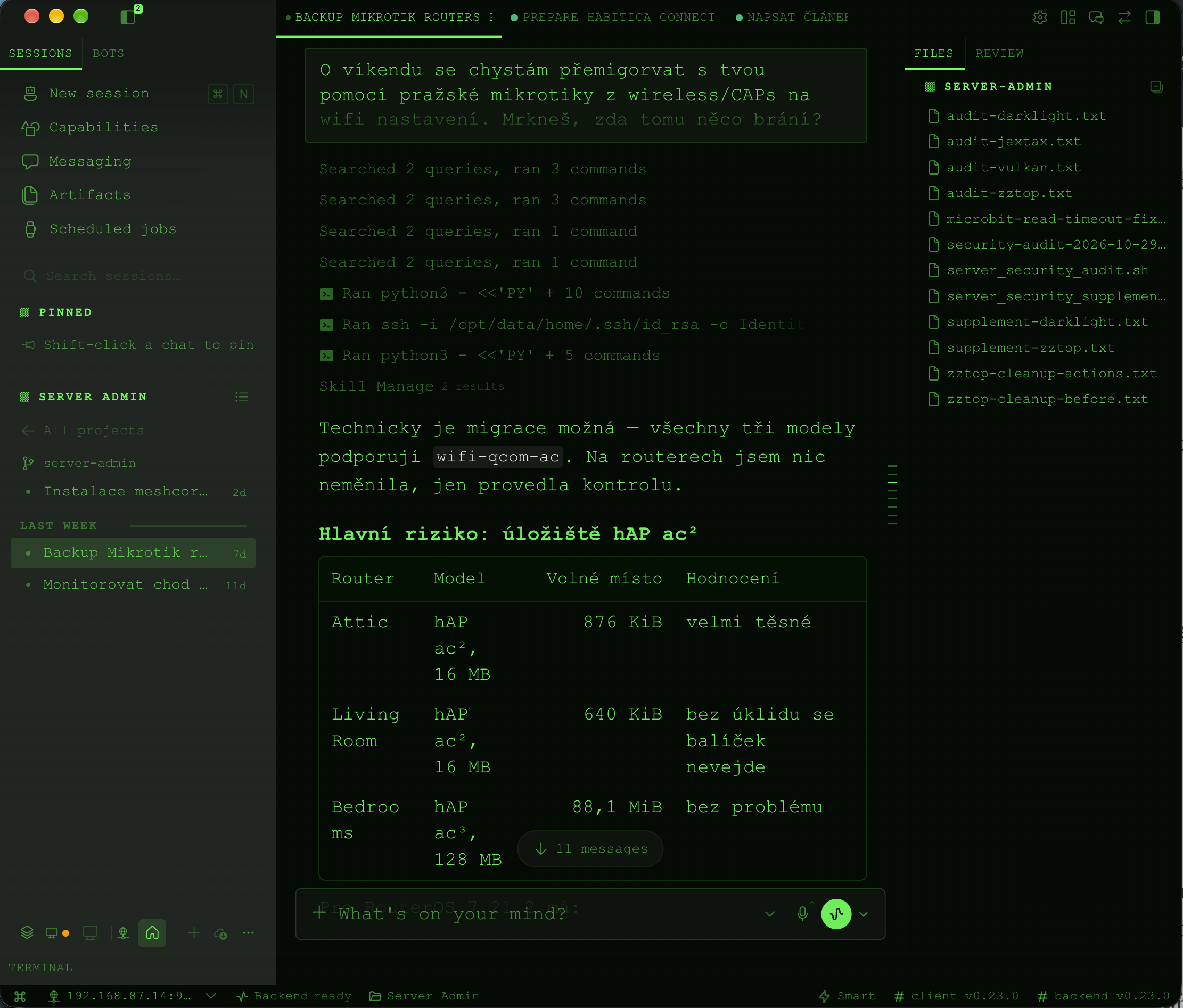
This is the point at which an AI agent becomes more useful than an ordinary chat window. It can search and explain, but it can also use tools, read the relevant configuration, make a controlled change, and verify whether the change actually worked.
I still decide what it may access and which actions require confirmation. But the difference from my first OpenClaw experiment is now clear: I no longer need to invent a use case for a personal agent. The useful cases appear naturally throughout the day.