CP/M-65 Comes to My KIM-1 Simulator
While assembling a PAL-2, I added an emulated SD card and CP/M-65 support to my KIM-1 simulator—a preview of the real hardware I hope to run soon.
Some projects begin in software and eventually escape into the physical world. My KIM-1 experiments are now moving in the opposite direction as well: while extending the simulator, I have finally started assembling the real hardware that inspired it.
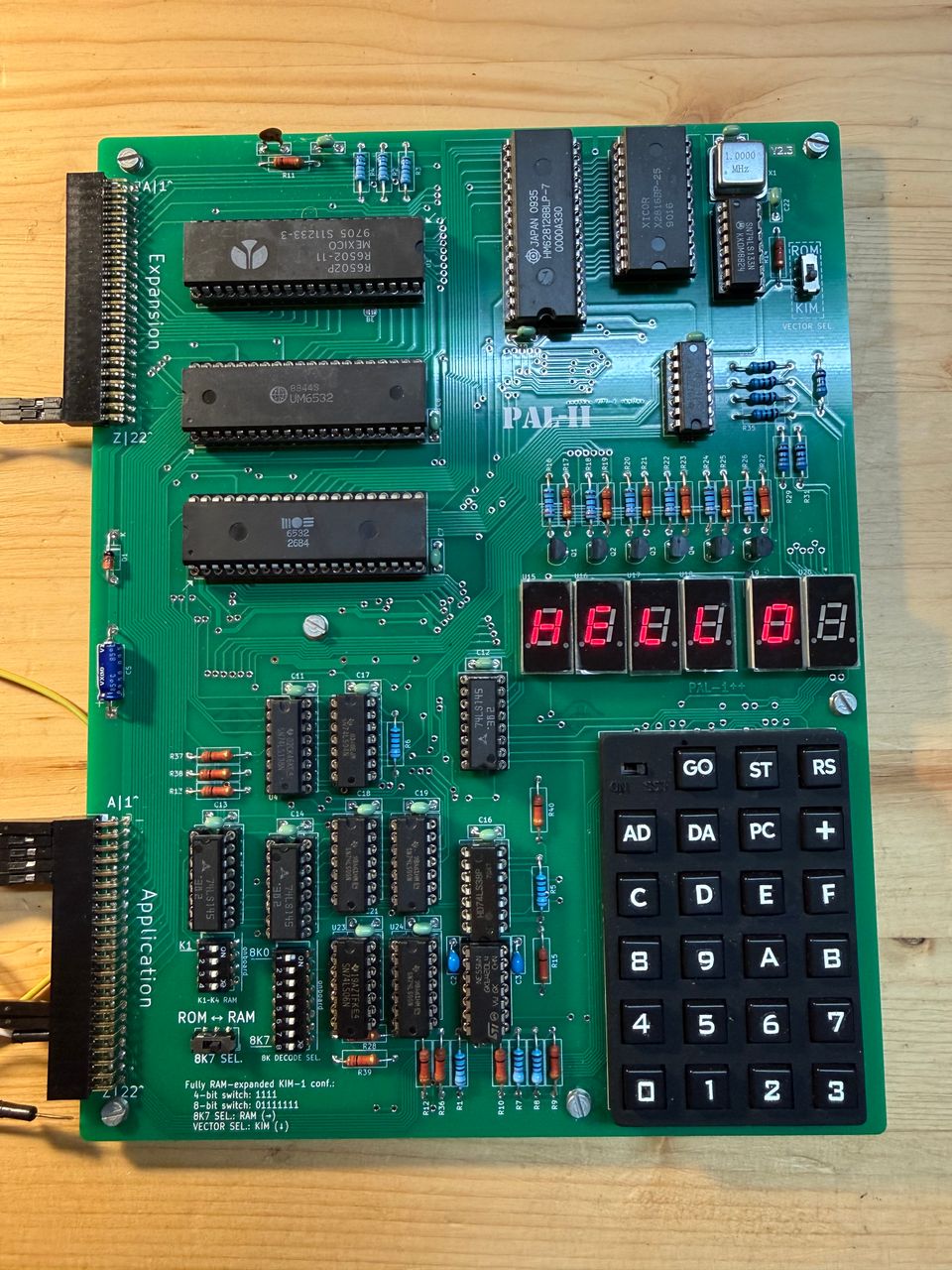
The PAL-2 is taking shape
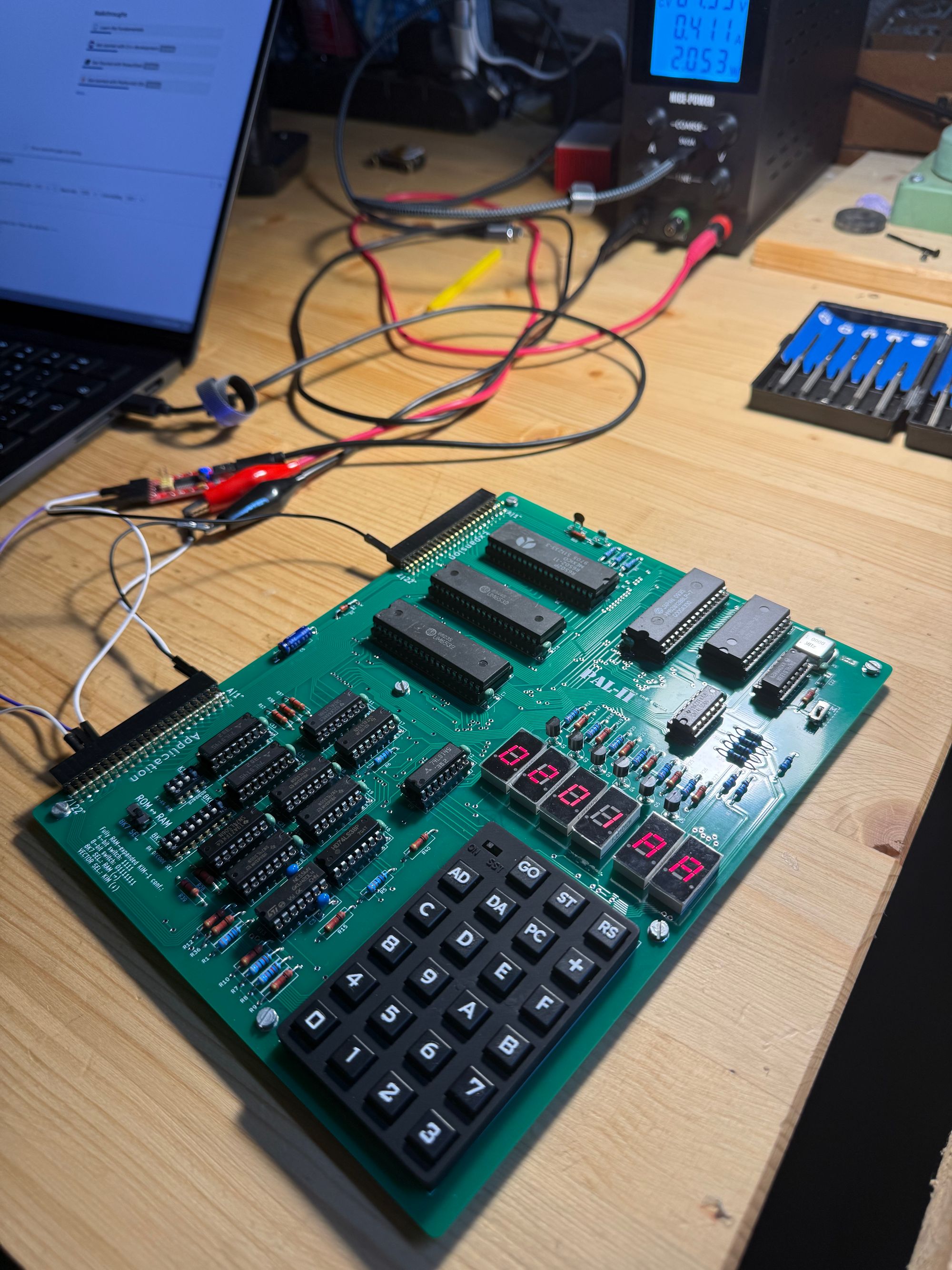
I have started building a PAL-2, a modern and expanded incarnation of the KIM-1. I hope I will finish it soon, although I am deliberately not rushing the process.
It has been quite a while since I last did any serious soldering, so the kit is a good opportunity to refresh those skills. There is also something unexpectedly calming about placing components, checking their orientation, trimming leads and making one joint after another. Once I settle into the rhythm, everything else disappears for a while. In its own way, soldering is a very zen activity: it demands enough attention that I become completely absorbed in it.
That may be almost as valuable as the finished computer.
A very capable expansion for a very small computer
Once the PAL-2 is alive, one of the additions I am most looking forward to is an SD card reader module. The combination should let me run CP/M-65 on the machine.
CP/M is normally associated with Intel 8080 and Z80 systems, but CP/M-65 brings that familiar style of operating environment to the 6502. On the KIM-1 and PAL-2, an SD card can provide the storage that would once have required considerably larger, noisier and more expensive hardware.
I did not want to wait until the PAL-2 was finished to find out what that experience would be like. So I added CP/M-65 support—and the SD card hardware it expects—to my KIM-1 simulator.
Simulating the SD card, not just the result
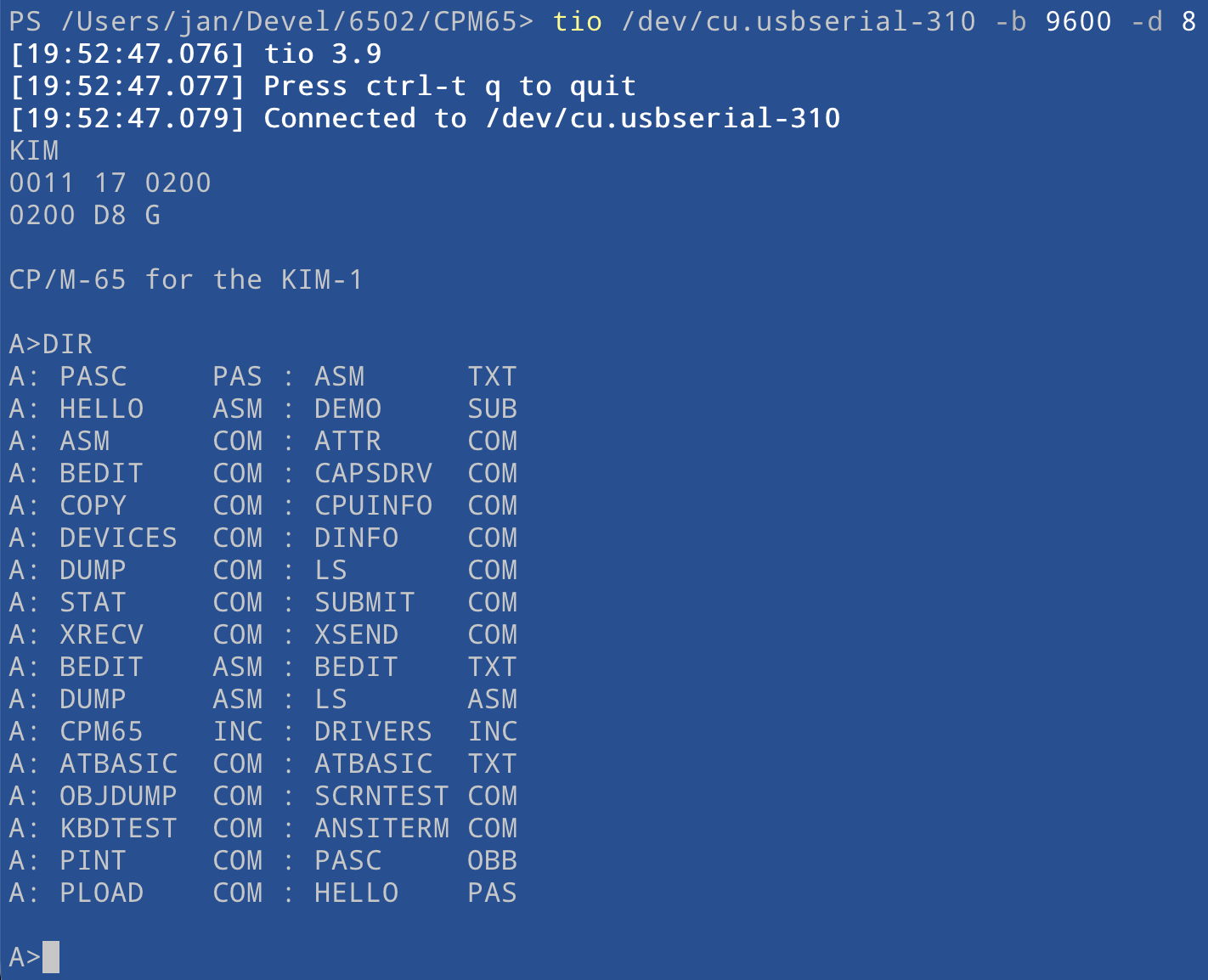
The simulator now accepts a raw SD card image and connects an emulated SDHC card to the KIM-1 application RIOT port using the wiring expected by the CP/M-65 driver. Communication happens over bit-banged SPI. The simulator decodes that traffic at the bit level and implements the card commands needed for initialization and for reading and writing 512-byte sectors.
That approach fits the philosophy of the project. Just as the terminal, display and keyboard are modeled through the machine's signals rather than convenient shortcuts, CP/M-65 talks to something that behaves like an attached card. Writes are reflected directly in the disk image, so files and changes survive the simulated session.
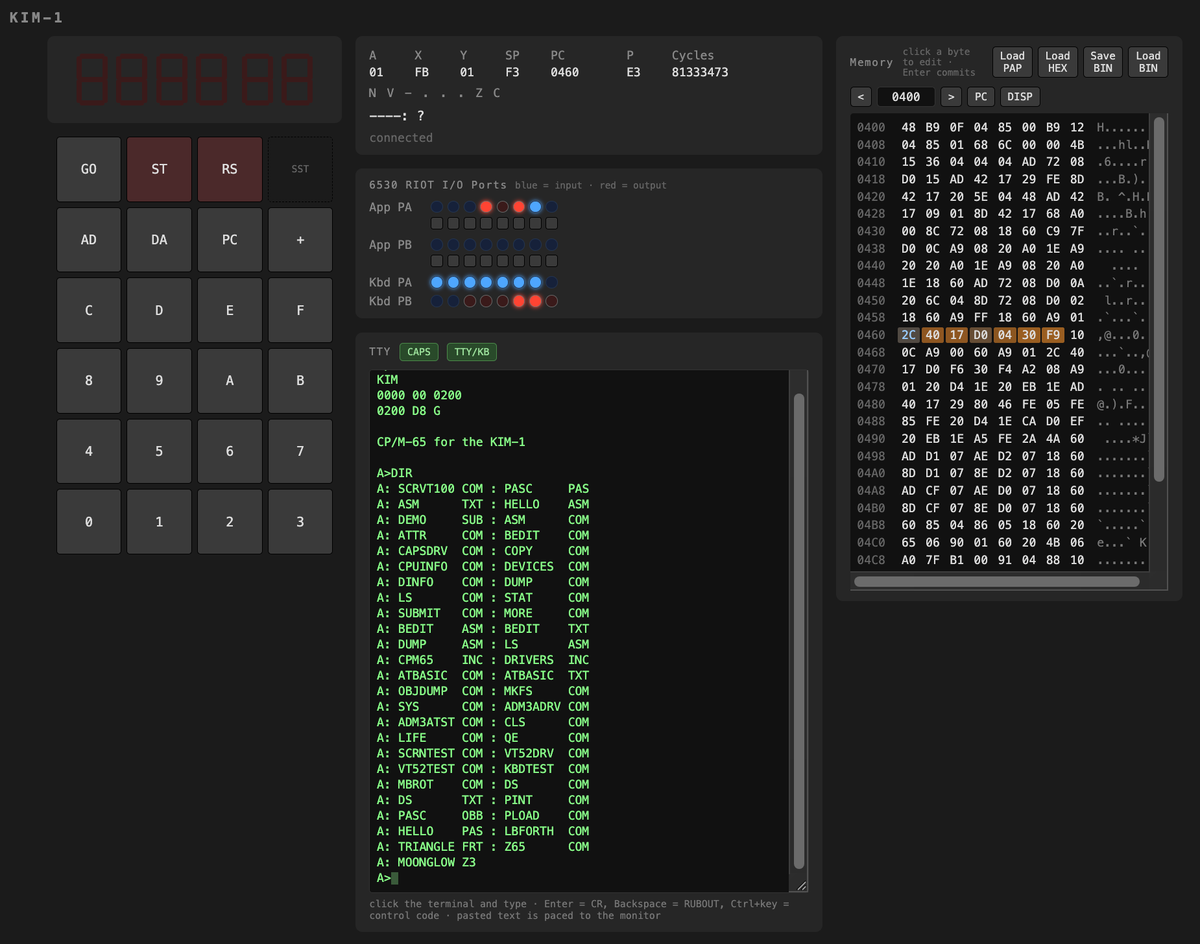
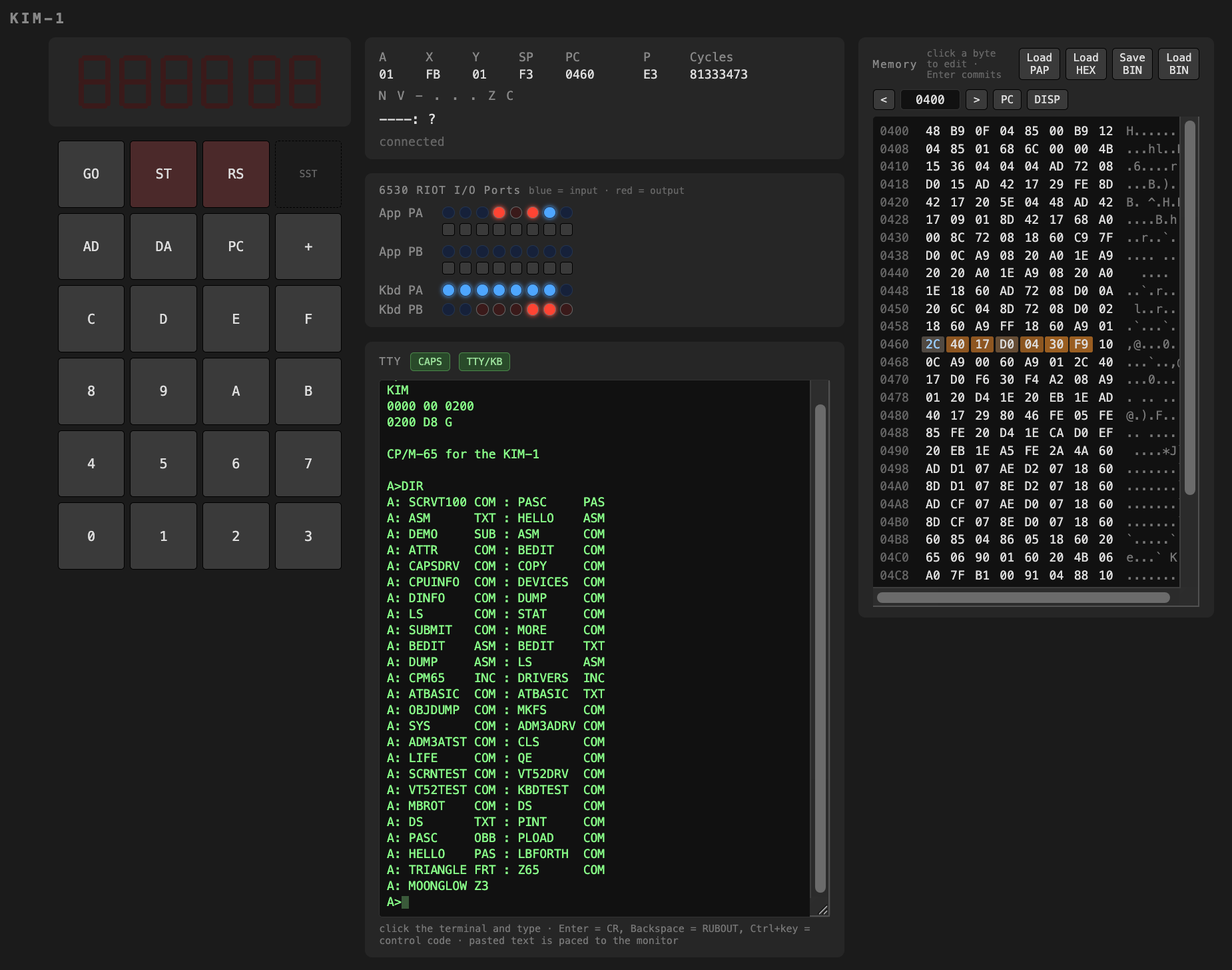
The result is visible in the screenshot above: the little 1976-style machine has booted into a recognizable disk operating environment, with commands, utilities and files available from the prompt. It is quite a leap from entering bytes through a hexadecimal keypad.
Back to my childhood, by a different route
This also closes a personal loop. Years ago, I ran CP/M for the Z80 on a Sharp MZ-821 with a RAM disk. Returning to a CP/M prompt now brings back that part of my childhood—the terse commands, the drive letters and the feeling that a whole computing environment can fit into something wonderfully small.
The processor is different this time, the storage is an SD card rather than a RAM disk, and for now the computer itself is simulated. But the feeling is surprisingly familiar.
Soon, I hope, the PAL-2 will be fully soldered and the same experiment will move from a browser window to a real board on my desk. Until then, the simulator gives me a useful preview—and another reason to keep working through those solder joints.
The source code, including the CP/M-65 and SD card support, is available on GitHub: github.com/jrydval/kim1-simulator-go.
PAL-2 and KIM-1 project series