Getting CP/M-65 to Boot on My PAL-2
A suspicious RIOT output, the wrong Port A, and a modern SD card led me through several false starts before CP/M-65 finally booted on my real PAL-2.
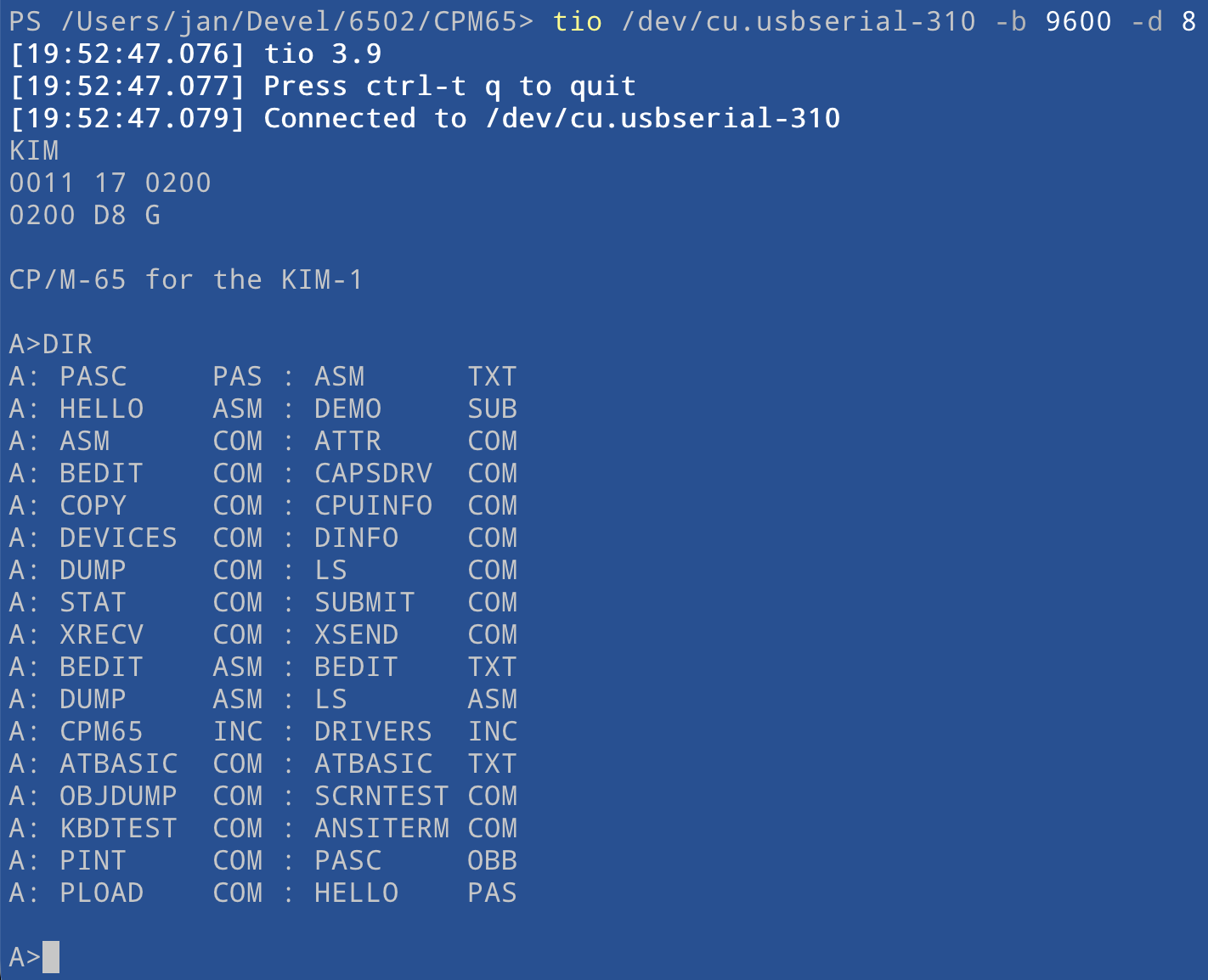
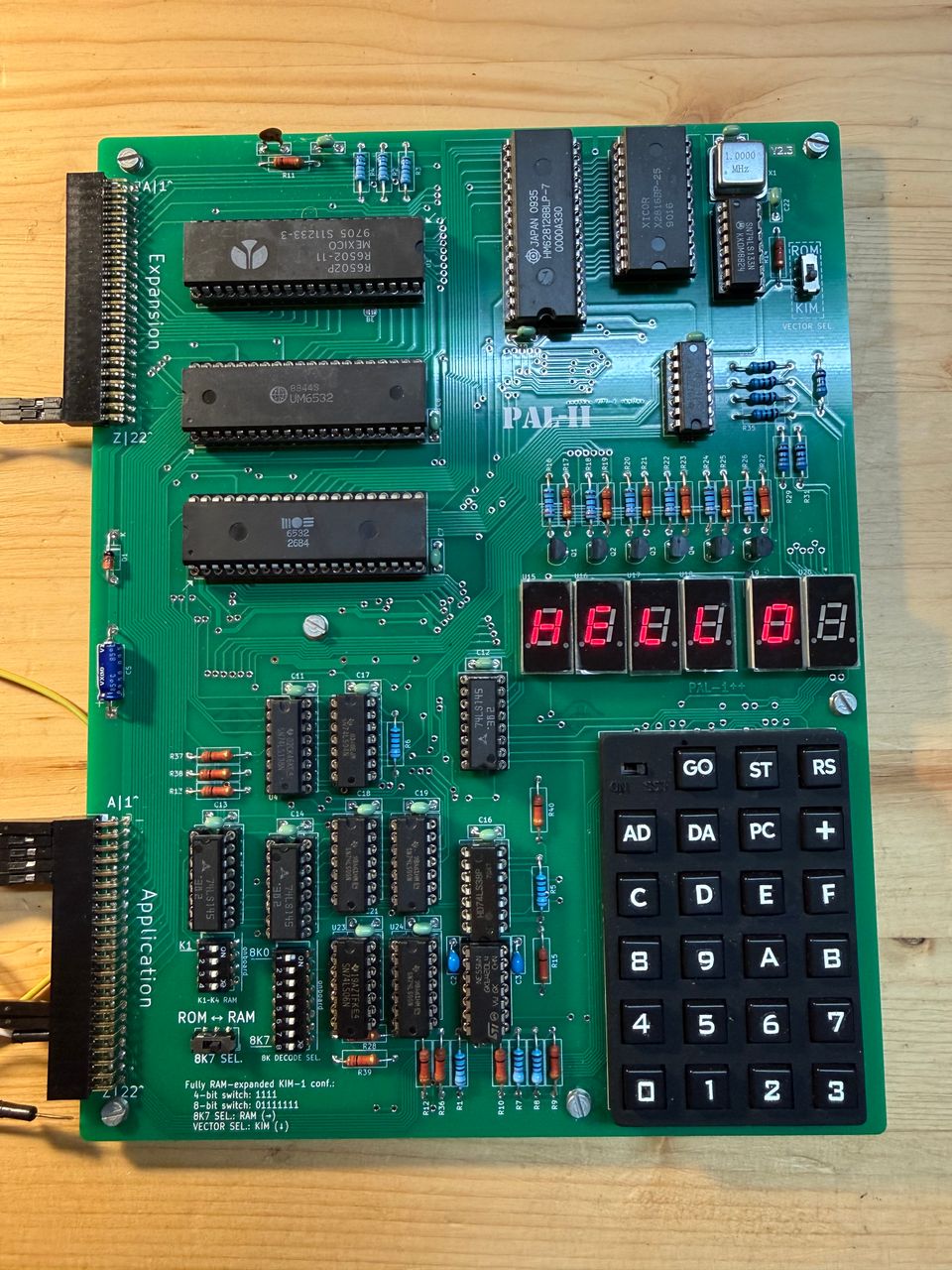
After building my PAL-2 and getting CP/M-65 running in my KIM-1 simulator, the obvious next step was to run it on the real machine. All I needed to do was connect an SD card module, load the boot loader, and watch CP/M-65 start.
That was the theory, anyway.
The suspicious PA3 signal
My first problem looked like a soldering fault. The signal on PA3 was not swinging between 0 and 5 volts. Its high level reached only about 2 volts. On a newly assembled board, that is exactly the sort of measurement that makes you suspect a bad joint, a solder bridge, or leakage somewhere on the PCB.
I spent far too long looking for a fault that was not there. The cause was the 6532 RIOT chip supplied with the kit. The chip was not completely dead; in fact, it otherwise appeared to work normally. One output simply produced about 2 volts for a logical one.
Replacing the RIOT fixed the voltage level, but it did not make CP/M-65 boot. The strange PA3 signal had been real, just not the cause of this particular failure.
Right pin names, wrong RIOT
My next mistake was more fundamental. I had connected the SD card module to the PA pins on the RIOT port used by the PAL-2 keyboard. The labels looked right, but this was the wrong Port A.
The CP/M-65 driver expects the module on the Port A pins of the user RIOT, mapped at $1700. The required bit-banged SPI wiring is:
PA4: card select (CS)PA3: clock (SCK)PA2: data to the card (MOSI)PA1: data from the card (MISO)
After moving the four signals to the correct RIOT, the hardware finally matched what the loader expected. CP/M-65 still refused to boot.
The SD card was too new
The remaining problem was the SD card itself, or more precisely, how this particular modern card behaved during initialization.
The stock CP/M-65 loader expects the response to CMD8 to be R1=$01. My card returned $00 instead, which made the loader stop with Abnormal termination. Error Code: 00. The card also checked the CRC of every command even in SPI mode, while the original loader used dummy CRC values for commands where CRC is normally ignored after initialization.
I asked Claude to help trace the exchange and patch the loader. The resulting version accepts either $00 or $01 from CMD8 and CMD55. It also sends valid CRC values for CMD55 and ACMD41, then issues CMD59 to disable CRC checking after initialization. That last step matters because it lets the unchanged CP/M-65 BIOS continue using dummy CRC bytes for normal sector reads and writes.
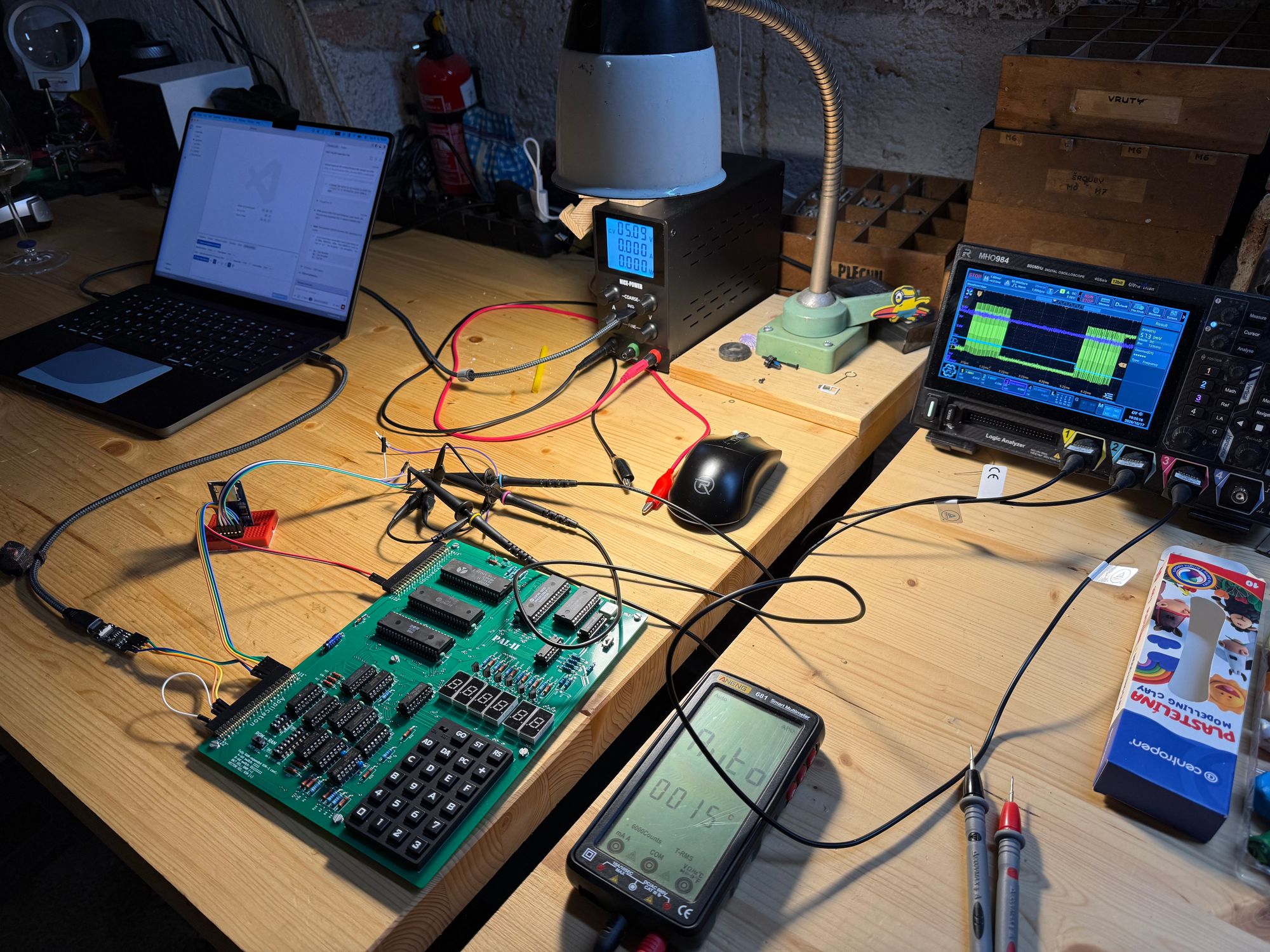
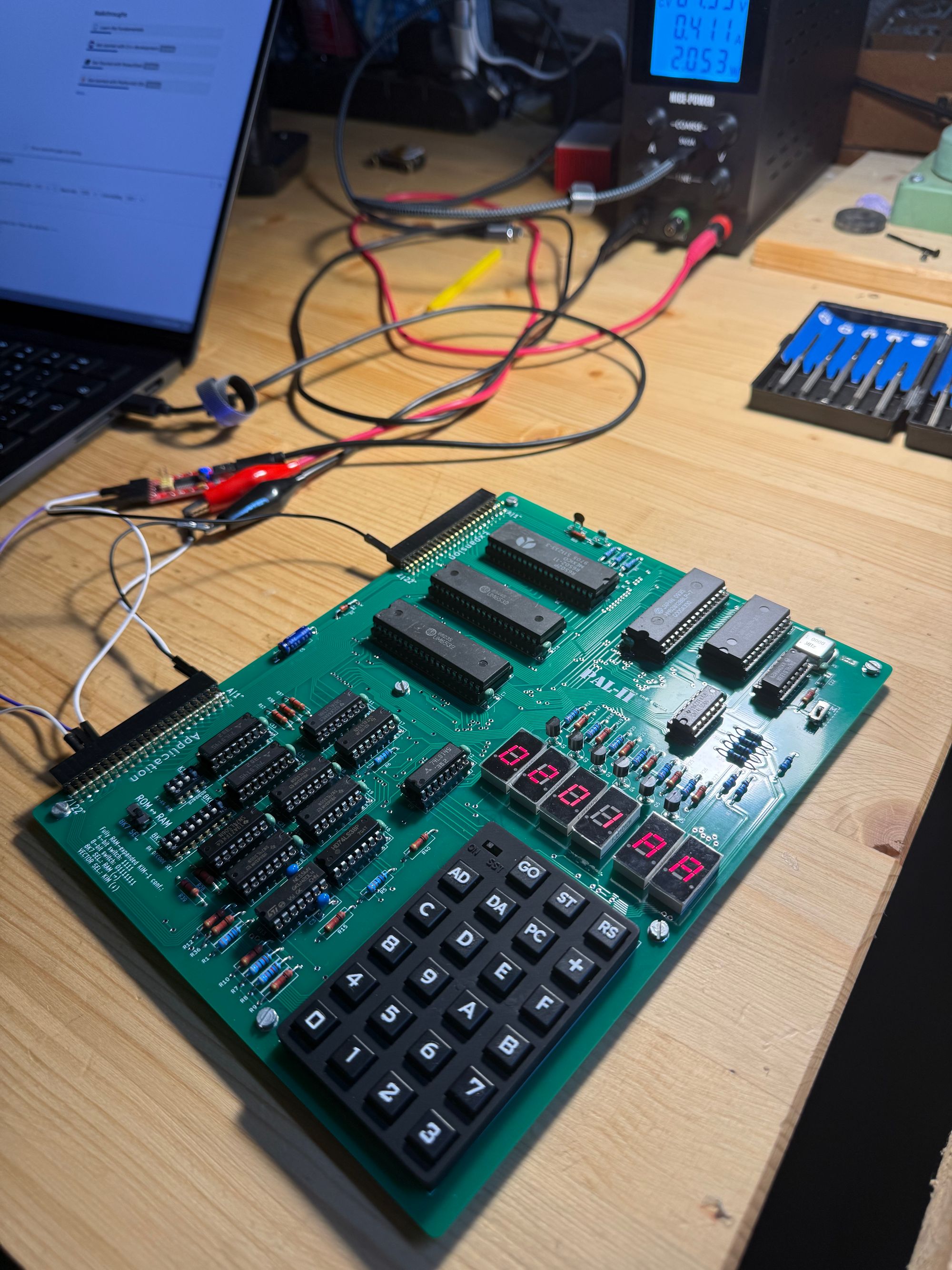
The final stage of debugging was slightly surreal. I was mostly watching the oscilloscope while Claude worked its way through the SD card, one command and response at a time, using the PAL-2 itself as the test platform. A 1970s-style 6502 computer, a modern SD card, and an AI debugging the conversation between them is not quite the workflow I expected when I ordered the kit.
CP/M-65 on the real machine
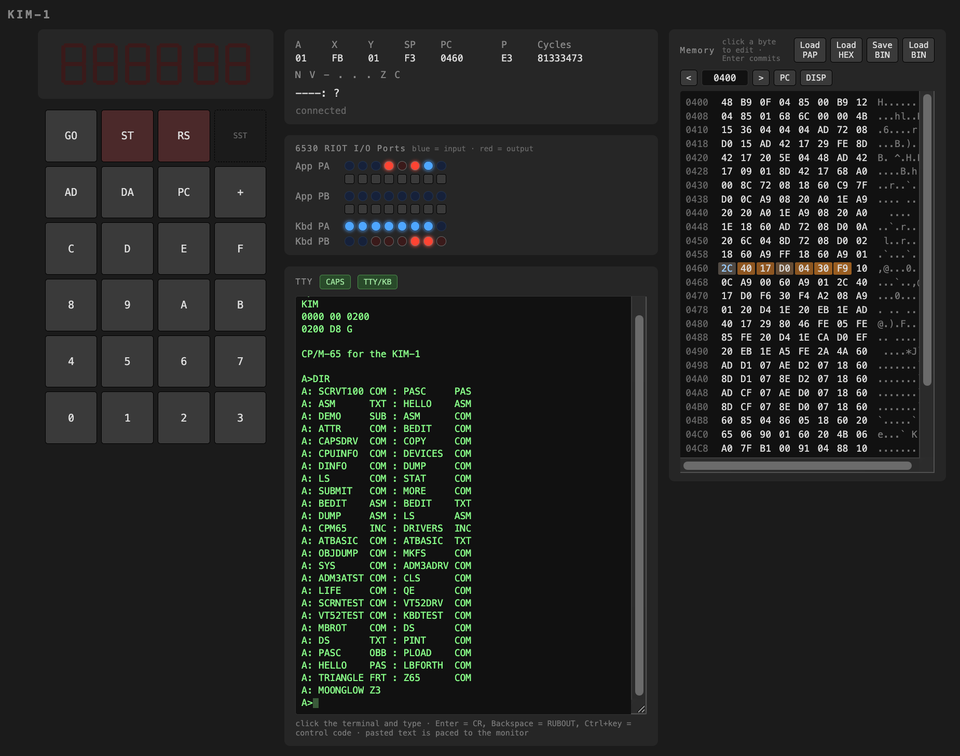
With the patched loader in place, the card initialized and CP/M-65 booted. The directory listing in the terminal was the proof I had been waiting for.
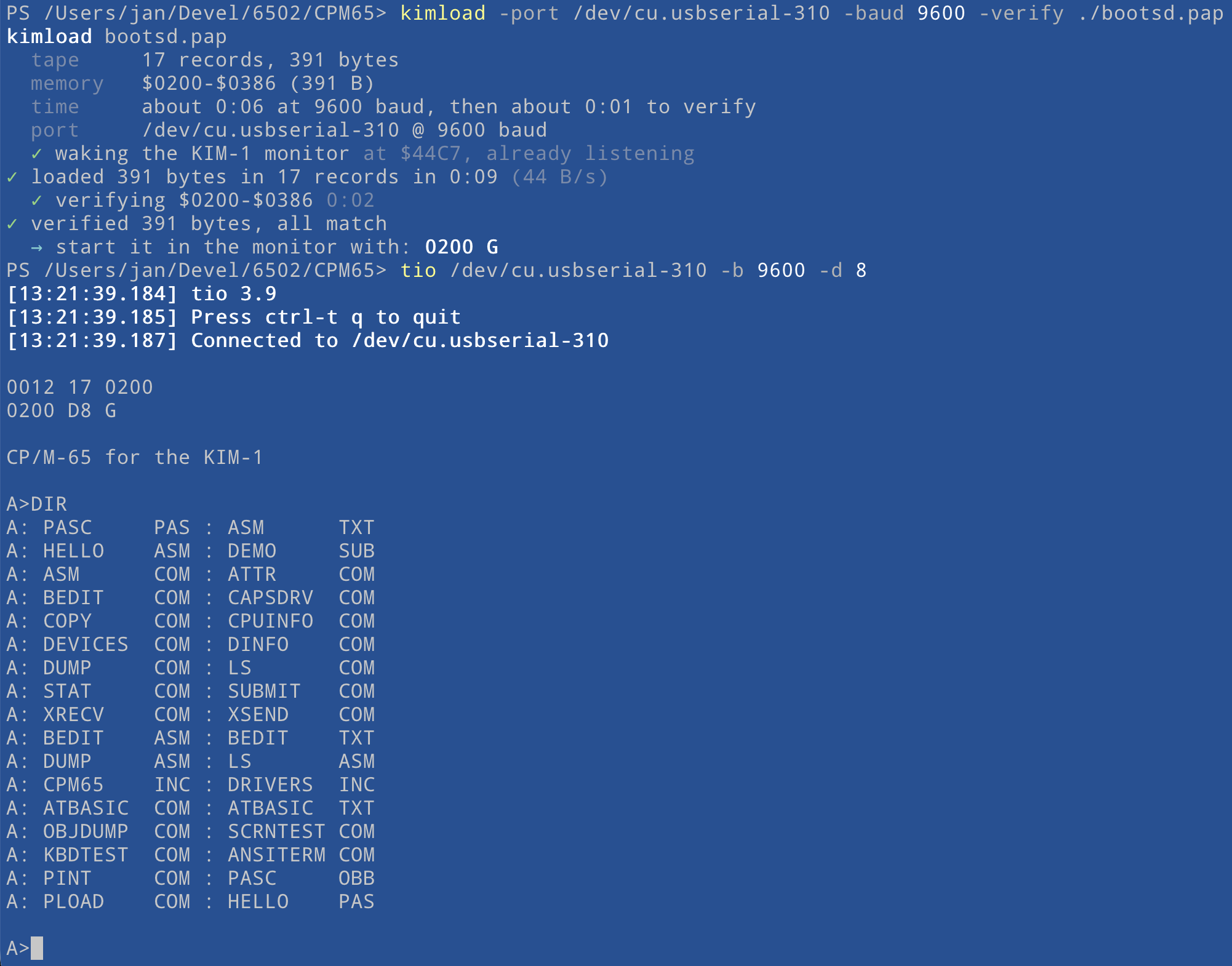
The result is the setup I wanted from the beginning: a working CP/M-65 system on the PAL-2 with the SD card module connected directly to the user RIOT port. No simulated card this time, and no extra storage controller hiding the details. The 6502 talks to the card through four RIOT pins and bit-banged SPI.
It took a questionable 6532, one wrong Port A, and a card that did not quite behave as the old loader expected. In the end, the hardware was simpler than the debugging trail suggested. And yes, I did need the oscilloscope.
PAL-2 and KIM-1 project series
- 1. Learning the 6502 by Building a KIM-1 Simulator
- 2. CP/M-65 Comes to My KIM-1 Simulator
- 3. Building the PAL-2: A KIM-1-Compatible Computer That Actually Worked
- 4. Getting CP/M-65 to Boot on My PAL-2
Edited: boot loader code and wiring guide
The patched boot loader and a complete PAL-2 quick-start guide are now available in the PAL-2-CPM-65-Quickguide repository on GitHub.
The repository includes the patched bootsd.s source, ready-to-load bootsd.bin and bootsd.pap files, the CP/M-65 SD card image, diagnostic programs, and build tools. Its README also documents the PAL-2 RAM switch settings, the exact Application connector wiring for both the SD card module and USB-UART converter, the TTY mode connection, and the commands needed to load and start CP/M-65.
The SD card still connects to Port A of the user RIOT at $1700: PA4=CS, PA3=SCK, PA2=MOSI, and PA1=MISO.